
A Top Spender display is only as useful as the workflow behind its ranking. Someone needs to create a session, enter the relevant amounts, review the names and decide what is ready for the screen. The Top Spender application brings those operational steps into a browser-based venue tool.
Display Top Spender bergantung pada alur kerja di balik ranking-nya. Ada orang yang perlu membuat sesi, memasukkan nominal, memeriksa nama, dan menentukan data yang siap ditampilkan. Aplikasi Top Spender menyatukan langkah operasional tersebut dalam alat venue berbasis browser.
Give entries an event contextBeri konteks acara pada entri
Night sessions give the entries a clear context. A session carries its title, date, venue and display settings. Organising the leaderboard this way helps the operator work within the correct event rather than treating every entry as part of one permanent list. It also provides a context for the session report.
Sesi acara memberi konteks yang jelas pada setiap entri. Di dalam sesi terdapat judul, tanggal, venue, dan pengaturan display. Susunan ini membantu operator bekerja pada acara yang tepat, tanpa mencampur semua entri ke satu daftar permanen. Sesi juga menjadi konteks laporan setelah acara.
The operator workspace supports entry creation, editing, quick-add actions and visibility controls. Each entry can include a display name, table number, category and recorded bill amount. These are operator-managed records. The portfolio does not claim automatic data collection from a point-of-sale system or a payment gateway.
Workspace operator mendukung pembuatan entri, penyuntingan, quick-add, dan kontrol visibilitas. Setiap entri dapat memuat nama tampilan, nomor meja, kategori, dan nominal tagihan tercatat. Data tersebut dikelola operator. Portfolio ini tidak mengklaim pengambilan data otomatis dari POS atau payment gateway.
Separate ranking from presentationPisahkan ranking dan presentasi
The display orders visible entries by their recorded amounts and limits the number shown according to session settings. Visibility is therefore an operational decision as well as a presentation setting. Before an entry reaches a public screen, the venue should agree which display name and information the guest is comfortable sharing.
Display mengurutkan entri yang terlihat berdasarkan nominal tercatat dan membatasi jumlah tampilan mengikuti pengaturan sesi. Karena itu, visibilitas merupakan keputusan operasional sekaligus presentasi. Sebelum entri masuk ke layar publik, venue perlu menyepakati nama tampilan dan informasi yang nyaman dibagikan oleh pengunjung.
Presentation settings let the operator choose screen designs, dimensions, leaderboard scale and whether amounts are visible. A separate clean-output view is available for the display workflow. These features make it possible to prepare the visual output around the actual screen rather than showing an administrative page to the audience.
Pengaturan presentasi memungkinkan pemilihan desain layar, dimensi, skala leaderboard, dan visibilitas nominal. Tampilan clean output tersedia terpisah untuk alur display. Fitur-fitur tersebut membantu tim menyiapkan output sesuai layar yang sebenarnya, tanpa menayangkan halaman administrasi kepada penonton.
Define access and reviewTentukan akses dan review
Access roles separate the responsibilities of administrators, operators and viewers. Session reports and CSV exports support review after the event. A useful handover should explain who owns the input, who can change display settings and how the final report will be checked against the venue’s authoritative records.
Peran pengguna memisahkan tanggung jawab administrator, operator, dan viewer. Laporan sesi serta ekspor CSV mendukung review setelah acara. Handover yang berguna menjelaskan penanggung jawab input, pihak yang dapat mengubah display, dan cara memeriksa laporan terhadap catatan resmi venue.
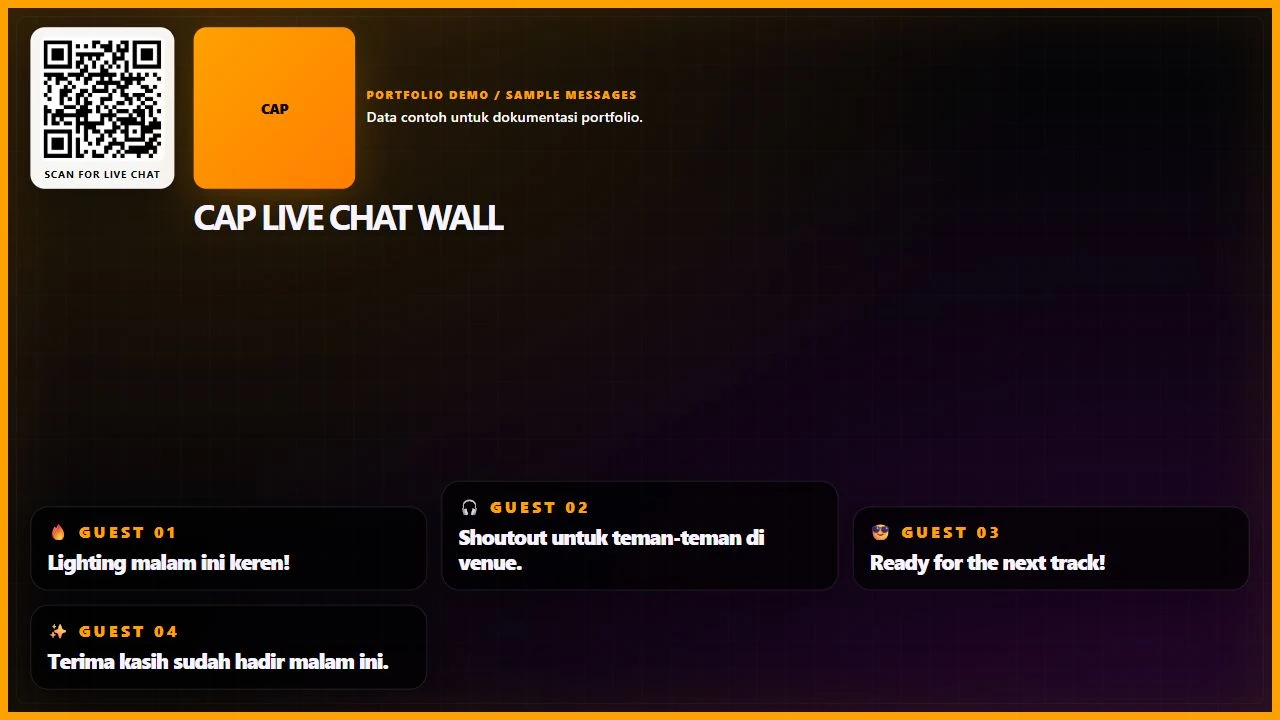
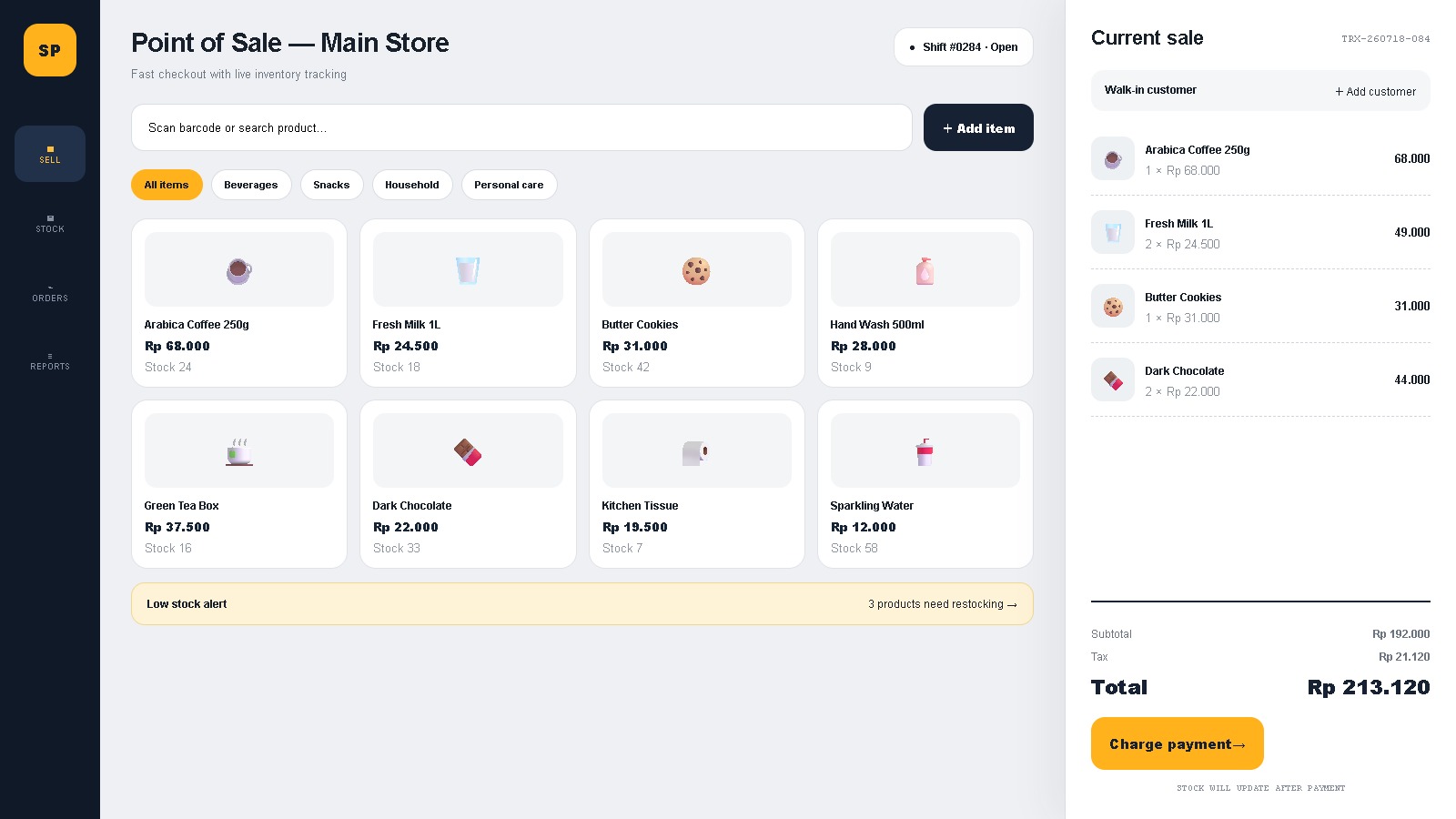
The screenshots here show actual application views populated with fictional guest names and sample amounts. The sample ranking demonstrates the layout and input workflow. It is not a customer spending report, evidence of a sales result or a claim that the leaderboard itself increased venue revenue.
Screenshot di sini menampilkan antarmuka aplikasi asli dengan nama pengunjung fiktif dan nominal contoh. Ranking contoh menunjukkan layout serta alur input. Screenshot bukan laporan belanja pelanggan, bukti hasil penjualan, ataupun klaim bahwa leaderboard telah menaikkan pendapatan venue.
Start with the source of the dataMulai dari sumber datanya
For a similar system, define the source of the amounts, the naming policy, the operator permissions and the display requirements first. Then test the complete path from entry to visible ranking and session review. The Top Spender portfolio documents that connection between venue operations and screen presentation.
Untuk sistem serupa, tentukan sumber nominal, kebijakan nama tampilan, izin operator, dan kebutuhan display terlebih dahulu. Lalu uji alur lengkap dari entri menuju ranking yang terlihat dan review sesi. Portfolio Top Spender mendokumentasikan hubungan antara operasional venue dan presentasi pada layar.